After registration, tap Go to Update to install. If that doesn't work, manually check for updates in System updates.
If joining fails, the server may be busy; try again later.
Key features and upgrades
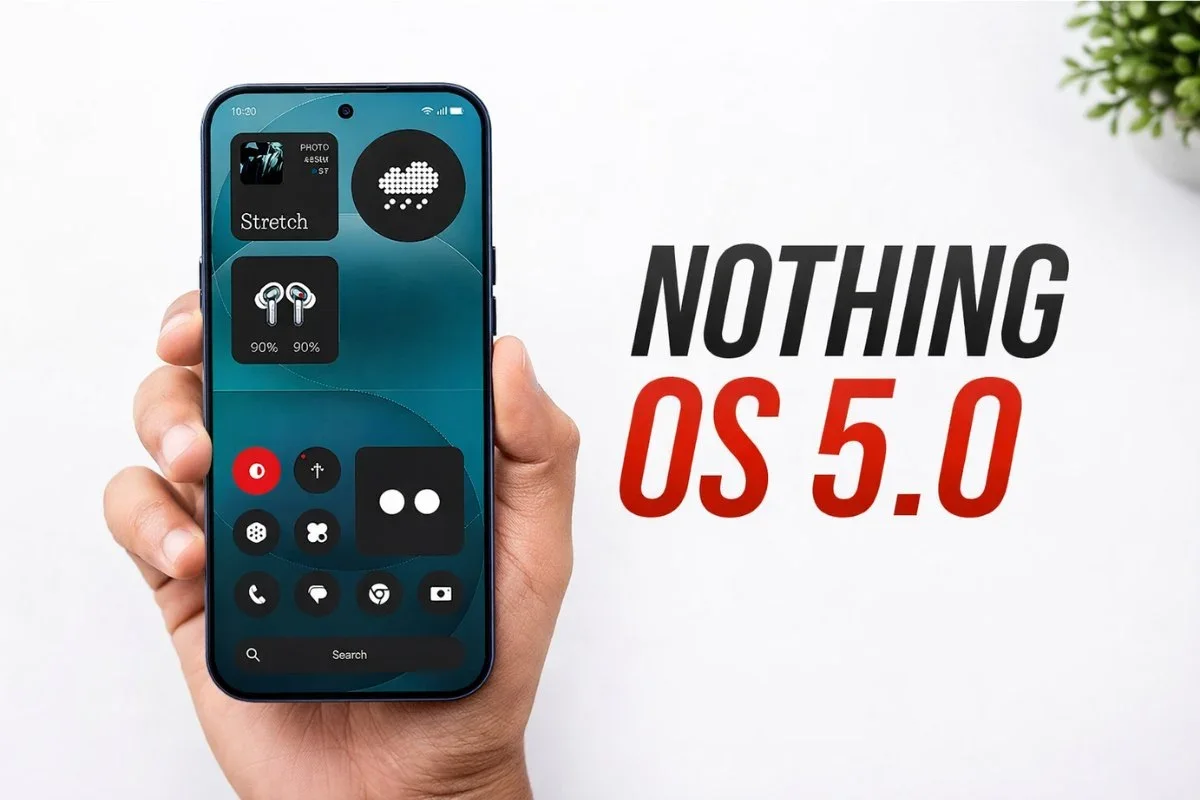
Nothing OS 5.0 brings separated notifications and quick settings: swipe down from the top-left for notifications, top-right for the redesigned control center.
The classic quick settings remain available.
The new Control Center includes iOS-like volume and brightness sliders, resizable tiles, and smoother animations. Tapping a Bluetooth device now connects or disconnects instantly.
A new Lucent theme adds translucent effects and Gaussian blur across widgets, search, home screen, and first-party apps like Gallery.
Status bar icons and animations are more expressive.
Home screen customizations include wallpaper-adaptive colors for icons and quick settings tiles. New widgets like Away Time and Collector (a digital photo frame) are added.
Glyph Timer starts a timer from the home screen and shows remaining time on the rear Glyph interface.
Improved Depth Effect and new clock faces, Gooey and Micrographics, are also included.
Essential Voice is upgraded with faster speech processing and real-time transcription. Essential Space adds Smart Selection to organize photos and screenshots, plus MCP support for AI platforms.
The Essential Apps Builder lets you create custom apps by describing them in natural language, deploying them directly to the home screen.
Camera controls are simplified, with lens options moved to the top-left. Static QR code scanning keeps results stationary.
A dedicated Glyph app manages lighting animations and ringtone schedules.
Android 17 core features include Expanded Dark Mode for apps without native dark mode, Cross-Platform Quick Share via QR codes for sharing with iPhones, a floating screen recorder, and new privacy indicators for AI processing and location access.