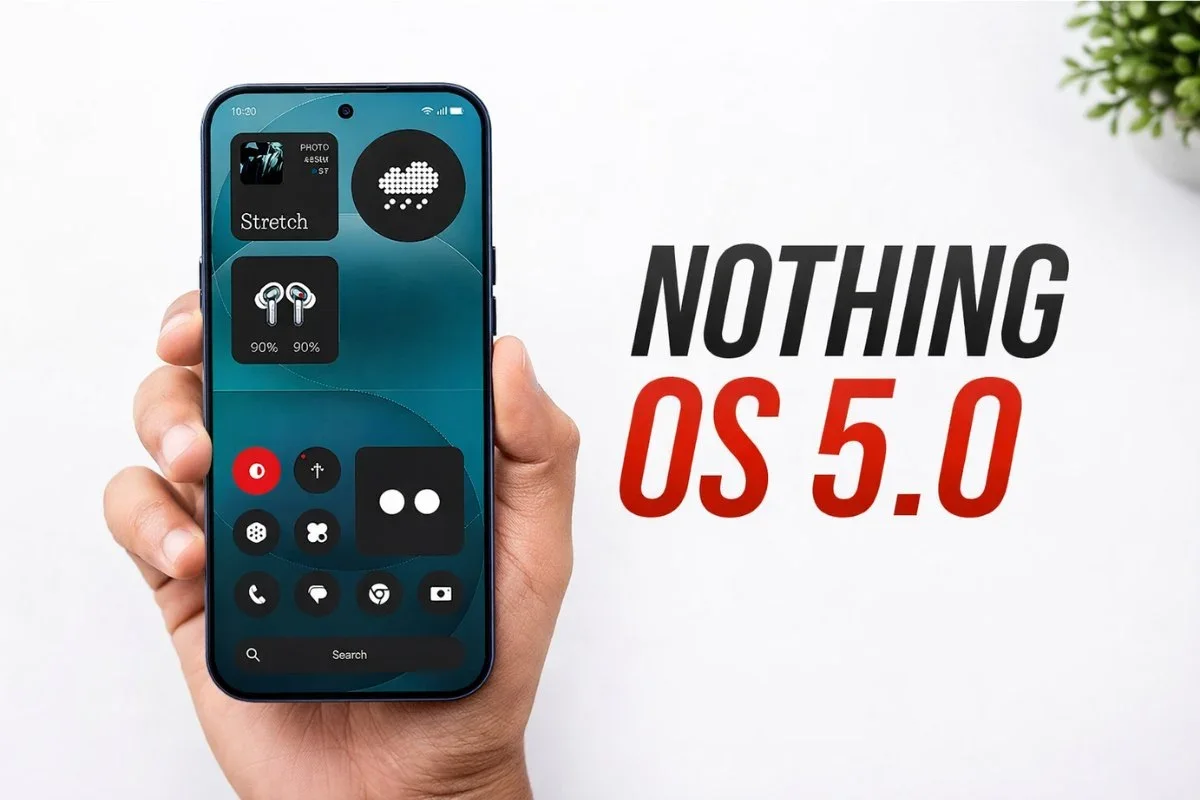
Nothing has officially announced Nothing OS 5.0, a major software update based on Android 17.
The update introduces an on-device AI app builder, a dedicated Glyph app, new widgets, and performance improvements.
The company also confirmed which phones will receive the update and when. Here is everything you need to know about Nothing OS 5.0.
Supported devices
Nothing OS 5.0 will be available for the following phones: Nothing Phone (3), Phone (4a), Phone (4a) Pro, Phone (3a), Phone (3a) Pro, Phone (2a), Phone (2a) Plus, Phone (3a) Lite, Phone (4b), and CMF Phone 2 Pro.
However, the Nothing Phone (1), Phone (2), and CMF Phone 1 will not get the update as they have reached end-of-life for software support.
Rollout schedule
The Open Beta program starts on August 26 with the Phone (3), expanding to other devices over the next 4-6 weeks.
The Phone (3a) Lite and CMF Phone 2 Pro will skip beta releases.
The stable rollout begins in mid-October with the Phone (3) and should be completed by mid-January 2027. Here is the detailed timeline:
Phone (3): Open Beta August 26, stable mid-October. Phone (4a) Pro: beta early September, stable early November.
Phone (4a): beta late September, stable early November.
Phone (3a) Pro and Phone (3a): beta late September, stable early November. Phone (2a) and Phone (2a) Plus: beta mid-October, stable mid-November.
Phone (3a) Lite: no beta, stable late December. Phone (4b): beta mid-December, stable mid-January.
CMF Phone 2 Pro: no beta, stable mid-January.
To join the beta, visit the Nothing Community post for registration details and important notes.
How to install the beta
Once the beta is available for your device, back up your data and ensure your phone is on the latest firmware.
Then go to Settings > System > System updates to check for updates.
Download the Nothing Beta Hub V2.0 APK from the official website and install it.
Then go to Settings > System > Nothing Beta, tap Check Version, and tap Join Beta to register.