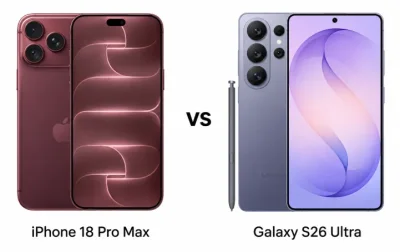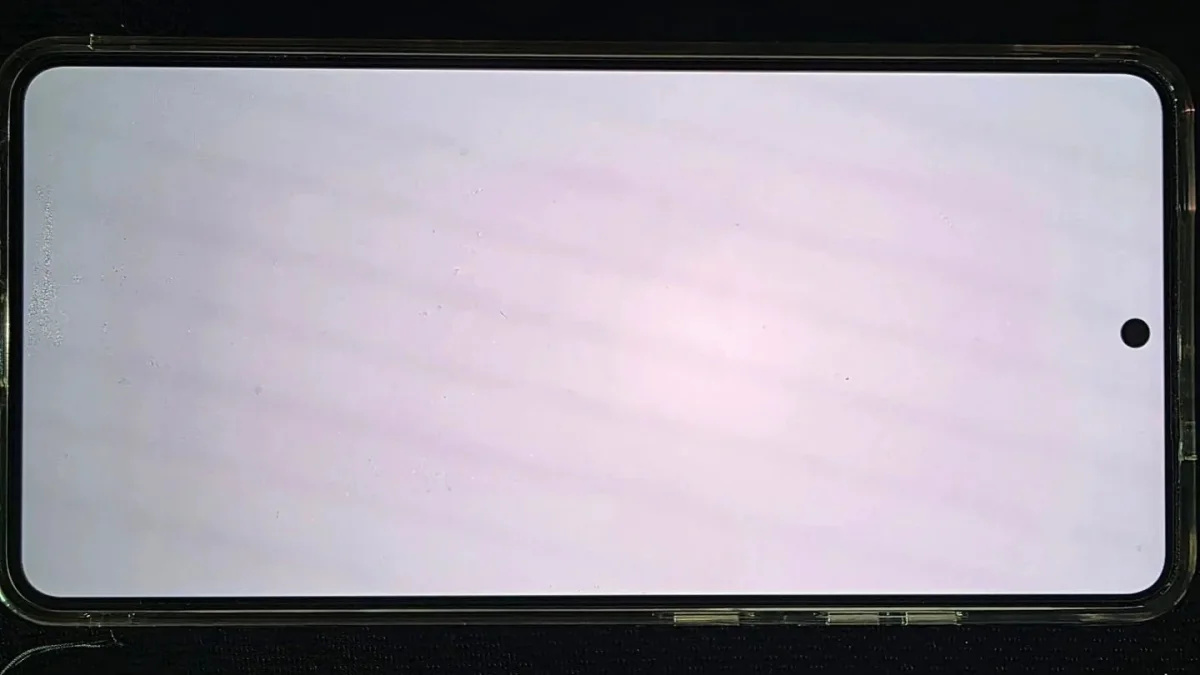
Just months after launch, some Galaxy S26 Ultra owners are reporting a reddish tint appearing in the center of the screen.
The issue doesn't affect every unit, but complaints are growing and raising concerns among potential buyers.
Samsung has acknowledged the reports and stated it is conducting an internal investigation.
Users say the reddish patch typically appears after two to three months of use, not immediately.
This differs from normal AMOLED color variations that can often be adjusted via settings.
Speculation points to the S26 Ultra's Privacy Display feature, a hardware-level technology that narrows viewing angles for privacy.
Some wonder if this feature, which controls light emission, could cause uneven wear or discoloration over time.
However, Samsung has not confirmed any link to the Privacy Display, panel design, or specific production batches.
In a statement, Samsung said: "We are currently examining the matter internally to determine the cause."
At a premium price, buyers expect high reliability.
This red tint issue, following reports of green or pink lines on previous Galaxy flagships, could shake user confidence.
If widespread, potential solutions may include software fixes, panel replacements, or a service program.
If you notice a similar issue on your S26 Ultra, Samsung recommends documenting it with photos or videos, adjusting display settings, and contacting Samsung support.