Galaxy AI remains limited to high-end Galaxy devices due to hardware requirements.
4. Seamless File Sharing with Apple Devices via AirDrop Support
One UI 8.5 finally removes file-sharing complexities between Android and Apple devices.
Quick Share is now compatible with Apple's AirDrop, enabling seamless file sharing in a few clicks.
To enable this, go to Settings > Connected devices > Quick Share and enable "Share with Apple devices."
On your Apple device, go to Settings > AirDrop, tap "Everyone for 10 minutes," then start sending files.
5. More Lock Screen Customizations
One UI 8.0 already offered rich lock screen customization, but One UI 8.5 takes it further.
The new software automatically adjusts the placement of people and pets around the clock and widgets for a perfect fit.
You can also preview and apply live weather effects directly from the wallpaper preview screen.
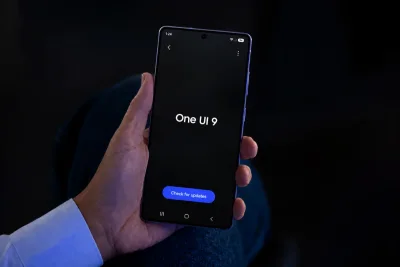
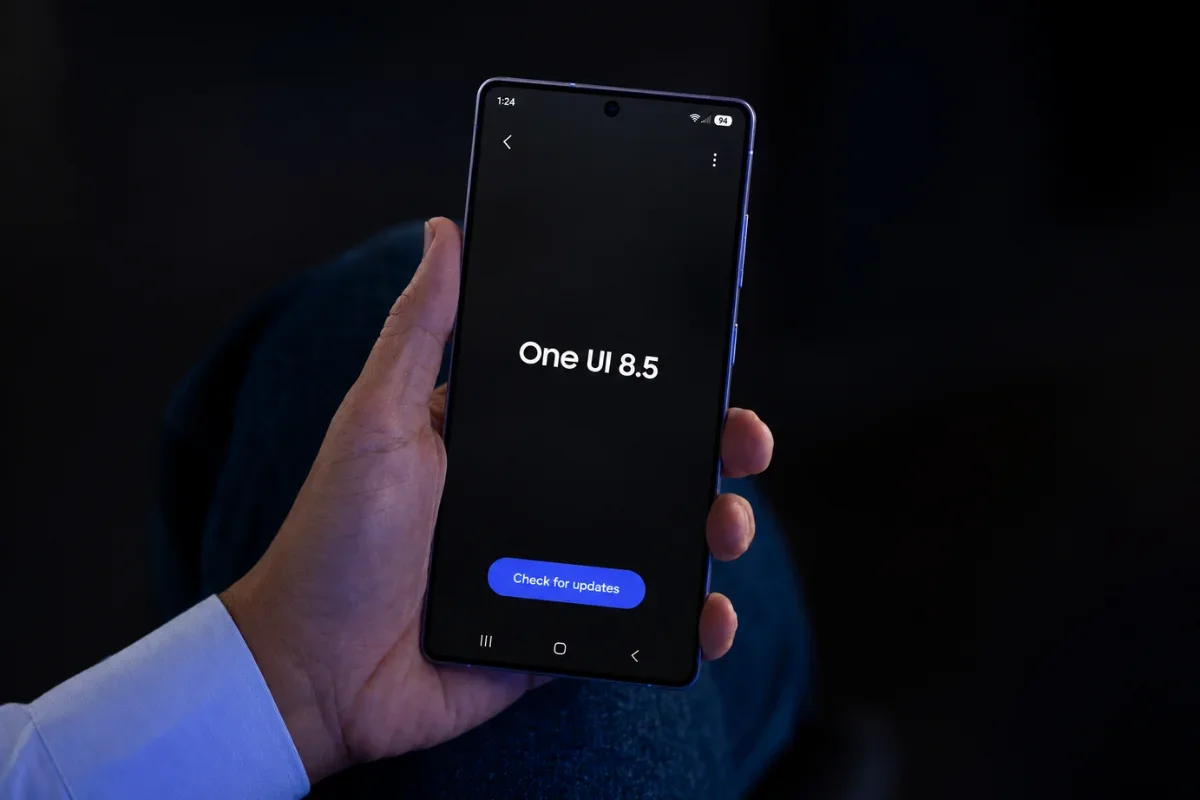
If you are still waiting for the update, go to Settings > Software updates > Download and install to manually check.
Keep an eye on Samsung's official channels for the latest details.
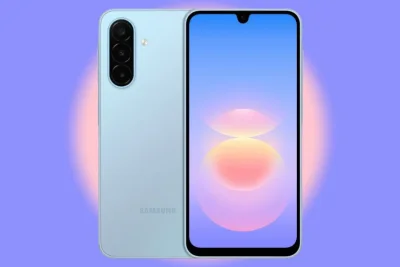
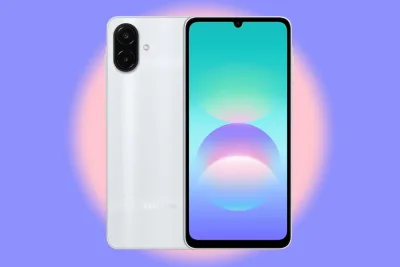
Galaxy AI is limited to a small subset of Galaxy devices, particularly high-end phones released in recent years, due to hardware limitations.
Unfortunately, not all devices will receive these advanced AI features.