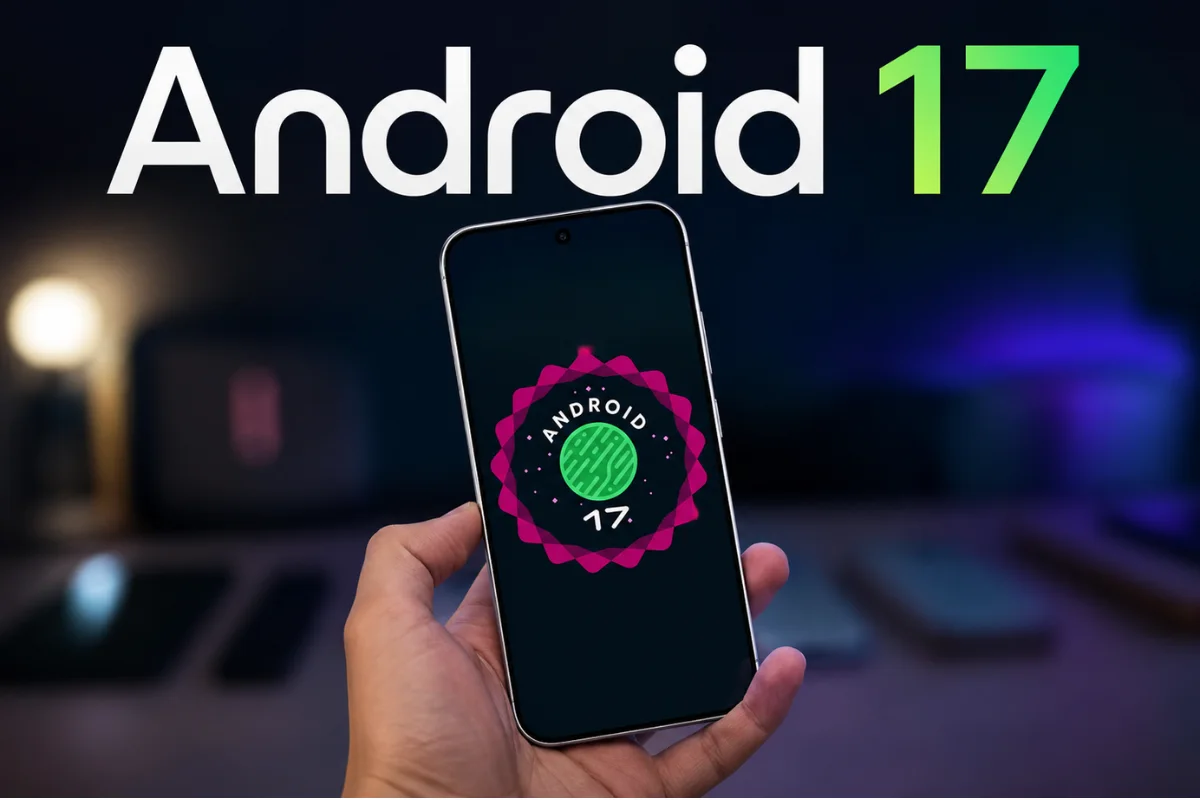
Google has released Android 17, bringing a range of new features designed to improve productivity, security, and efficiency on smartphones and large-screen devices.
The update is rolling out first to supported Pixel devices, with other eligible Android smartphones, tablets, and foldables expected to receive it later this year.
Enhanced multitasking with Bubbles
A key addition in Android 17 is the improved multitasking experience through the new Bubbles feature.
Users can open apps in compact floating windows that stay accessible while using other applications.
This makes it easier to check messages, notes, maps, or other information without constantly switching between apps.
On larger devices like tablets and foldables, a dedicated bubble bar keeps active floating windows organized for quick access.
Screen Reactions and gaming mode
Android 17 introduces Screen Reactions, which combines screen recording with selfie camera capture.
Users can record their reactions while demonstrating apps, commenting on videos, or creating tutorials directly from their device.
Foldable smartphones receive additional gaming enhancements through a new gaming mode that splits the display between gameplay and on-screen controls.
Google says memory handling has also been improved to reduce stuttering and maintain smoother gameplay during demanding titles.
Privacy and security upgrades
The update brings several new privacy controls.
Users can now provide apps with temporary access to their precise location and choose specific contacts to share rather than granting access to an entire contact list.
The Find Hub service gains an upgraded “Mark as lost” option that can secure a misplaced device using biometric authentication.
This helps protect sensitive data even if someone knows the device passcode.
Android 17 also strengthens protection against scams and malicious software through enhancements to Live Threat Detection and Advanced Protection.
Additional safeguards have been added to PIN authentication by limiting repeated attempts and increasing waiting periods after multiple failures.
Google has further introduced app memory limits to prevent excessive RAM usage, which can help improve battery life and overall responsiveness.