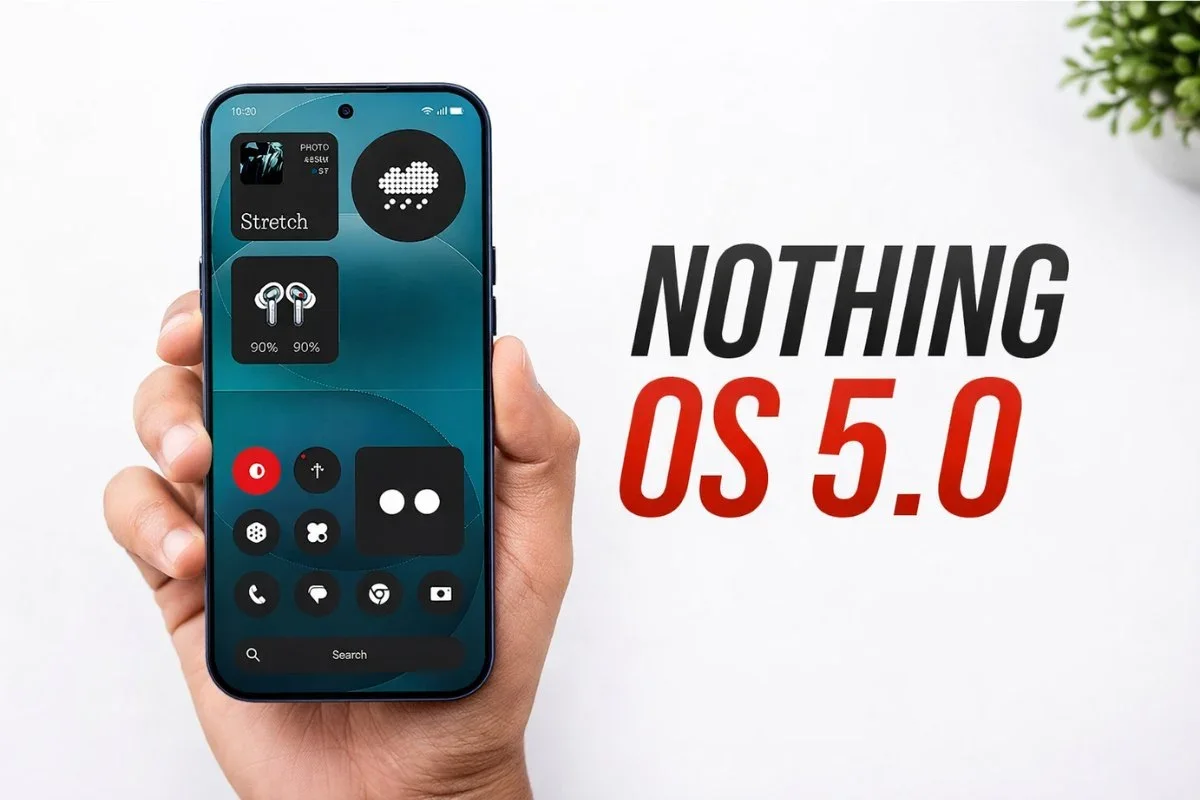
Nothing has officially announced the rollout timeline for Nothing OS 5.0, its next major software update based on Android 17.
The update brings significant visual changes, performance improvements, and deeper AI integration.
The open beta program begins on August 26 for the Phone (3), with other devices following in phases.
Stable rollout is scheduled to start in mid-October for the Phone (3) and reach all eligible devices by January 2027.
Eligible devices and rollout schedule
Nothing has confirmed that the Phone (1), Phone (2), and CMF Phone 1 will not receive the Nothing OS 5.0 update.
The open beta will not be available for the Phone (3a) Lite and CMF Phone 2 Pro.
Here is the official rollout schedule for open beta and general release:
Phone (3): Open beta on August 26, stable release in mid-October.
Phone (4a) Pro: Open beta in early September, stable release in early November.
Phone (4a): Open beta in late September, stable release in early November.
Phone (3a) Pro: Open beta in late September, stable release in early November.
Phone (3a): Open beta in late September, stable release in early November.
Phone (2a): Open beta in mid-October, stable release in mid-November.
Phone (2a) Plus: Open beta in mid-October, stable release in mid-November.
Phone (3a) Lite: No open beta, stable release in late December.
Phone (4b): Open beta in mid-December, stable release in mid-January.
CMF Phone 2 Pro: No open beta, stable release in mid-January.
Rollouts happen in batches, so some regions may receive the update earlier than others.
However, the expansion typically takes only a few days.
How to join the Nothing OS 5.0 beta
Once the beta is available for your device, you can register through the Nothing Beta Hub.
First, ensure your phone is updated to the latest build.
Then download and install the latest Nothing Beta Hub V2.0 APK.
Go to Settings > System > Nothing Beta Hub, tap Check Version, and then Join Beta.
After joining, tap Go to Update to download the beta.
If you don't see the button, manually check for updates in Settings > System > System updates.